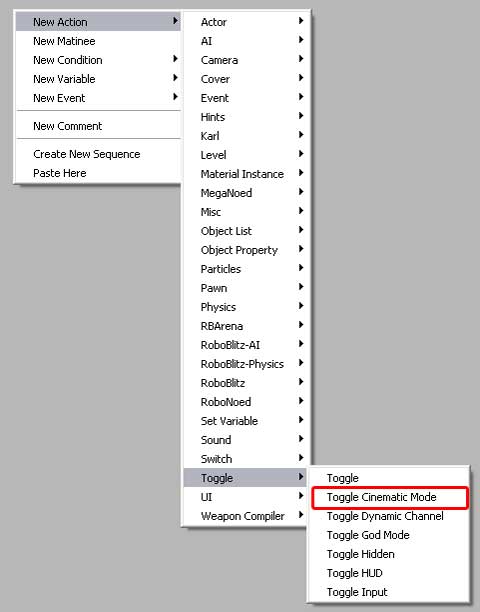
Toggle Cinematic Mode can be used for keeping
the player 'in check' during something like a cutscene.
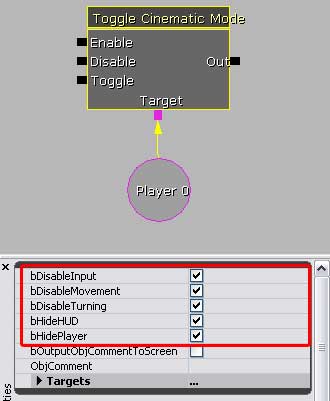
• Enable will 'turn on' the booleans in the properties.
• Disable will 'turn off' the booleans in the properties.
• Toggle will 'turn off/on' the booleans in the properties
as the signals are received.
|
|
• DisableInput will disable any kind of input from the
player - like jumping or shooting - while the Cinematic mode
is enabled..
• DisableMovement will keep the player in place while
the mode is enabled.
• DisableTurning will prevent the player from moving their
view around.
• HideHUD will 'hide' the HUD from being displayed.
• HidePlayer will 'Hide' the playermodel for the cinematic
mode. Always remember to turn it back on!
|